
Android smartphones have become incredibly smart over the last few years. Your phone can recognize songs around you, generate live captions for videos, translate conversations in real time, suggest replies in chats, and even keep your screen awake when you are looking at it.
But as these features became more intelligent, users started asking an important question: Is my personal data being sent to the cloud?
To address this growing concern, Google introduced Android Private Compute Core (PCC) with Android 12. It completely changed how Android handles sensitive data for AI-based features.
Instead of sending your voice, screen activity, or typed text to remote servers, Private Compute Core processes everything locally on your device, inside a highly secure and isolated environment.
In this guide, we will break down how to use Android Private Compute Core features, how it works behind the scenes, how you can control your privacy, and why it matters even more in 2026.
Also Read: How to Enable Heads Up Notifications Manually on Android: 2026 Guide
What Is Android Private Compute Core?
Android Private Compute Core is a secure processing environment built into the Android OS. It was officially introduced with Android 12 and continues to evolve with newer Android versions.
Unlike regular apps or system services, PCC runs in isolation and has no direct internet access. Its main purpose is to power on-device machine learning features that require access to sensitive data, without sharing that data with apps or Google servers.
What Kind of Data Does PCC Handle?
Private Compute Core can process:
- Audio input from the microphone
- Text typed on the keyboard
- Screen content for contextual understanding
- Camera-based attention signals
- App usage patterns for predictions
All of this data stays on your phone.
Why Private Compute Core Was Necessary
Before PCC, many intelligent features depended heavily on cloud processing. That approach had three major problems:
- Privacy risks – Sensitive data leaving the device
- Latency issues – Features failing without internet
- Trust concerns – Users unsure what data was collected
Private Compute Core solves these problems by:
- Keeping raw data on-device
- Reducing dependency on cloud servers
- Allowing AI features to work offline
- Giving users more control over privacy
In simple words, PCC allows Android to be smart without being intrusive.
Android System Intelligence and Private Compute Services Explained
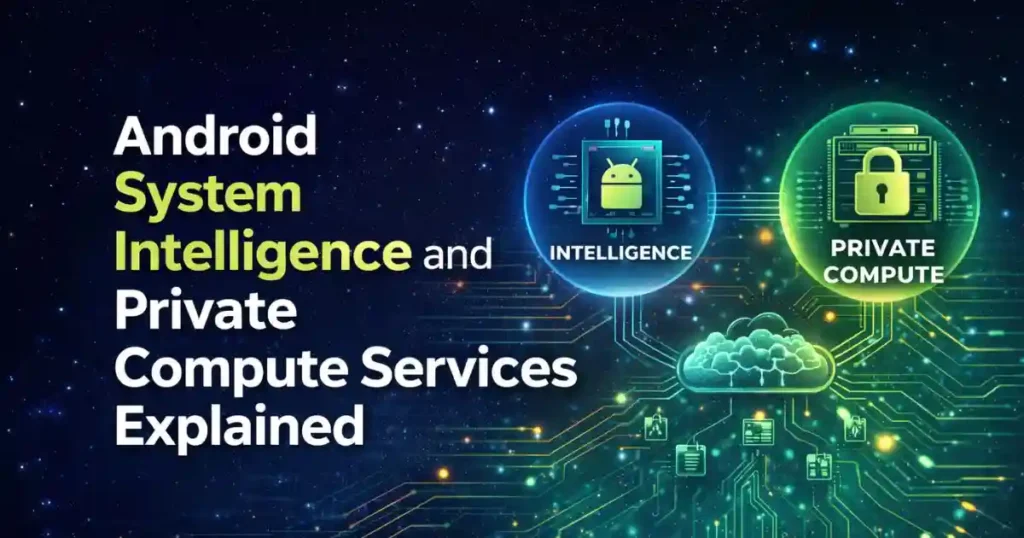
To understand how to use Android Private Compute Core features, you also need to know two supporting components:
Android System Intelligence
This is the system component that actually delivers smart features like:
- Live Caption
- Smart Reply
- App Predictions
- Smart Text Selection
It works closely with Private Compute Core to process data securely.
Private Compute Services
Private Compute Services acts as a privacy-preserving bridge. Since PCC cannot access the internet directly, this service helps with:
- Secure model updates
- Federated learning
- Anonymous data aggregation
It is open-source and designed specifically to prevent data leakage.
Key Features Powered by Android Private Compute Core
Private Compute Core quietly powers many features you use daily. Let’s break them down with real-world context.
Live Caption
Live Caption generates real-time subtitles for:
- Videos
- Podcasts
- Voice messages
- Phone calls (on supported devices)
Everything happens locally. Audio never leaves your device.
Now Playing
Now Playing continuously listens for music around you and identifies songs directly on your lock screen.
Unlike traditional music recognition apps, PCC does this offline, using an on-device song database.
Smart Reply and Smart Text Selection
When you receive messages, Android can suggest quick replies or highlight useful text like addresses or tracking numbers.
Your keyboard does not read your entire conversation. Suggestions are generated only when you interact with them.
Live Translate
Live Translate allows real-time translation of:
- Conversations
- Videos
- Messages
It works offline for supported languages and keeps conversations private.
Screen Attention
This feature detects whether you are looking at the screen and prevents it from turning off while you are reading.
Facial data is processed locally and never stored.
Smart Action Buttons
Android can show contextual actions inside notifications, such as:
- Track a package
- Add an event to the calendar
- Open a map location
These actions are powered by on-device intelligence.
How to Use Android Private Compute Core Features
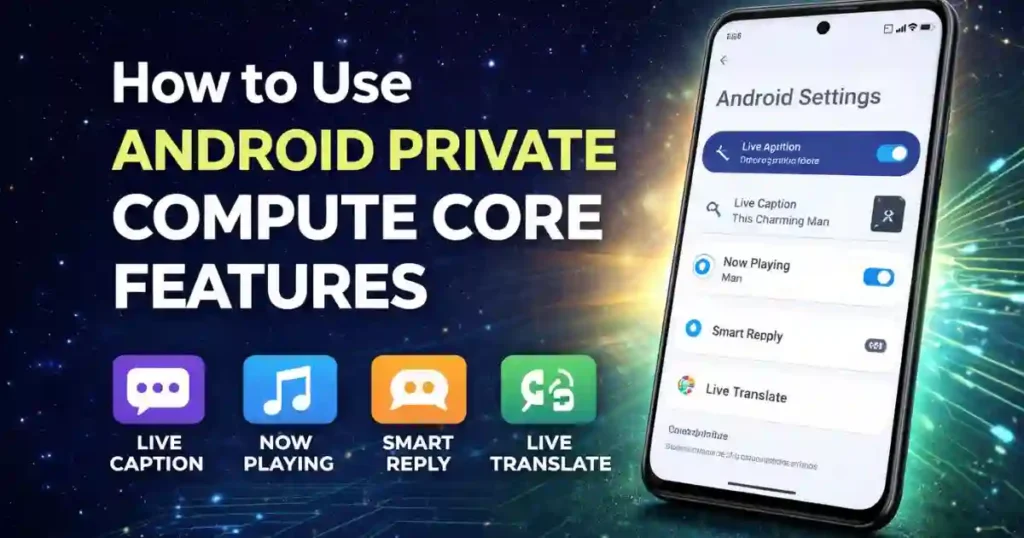
You do not open Private Compute Core like an app. Instead, you use the features it powers.
How to Enable Live Caption
- Press the volume button
- Tap the menu icon
- Enable Live Caption
Once enabled, it works across media apps automatically.
How to Use Now Playing
- Go to Settings
- Open Sound & vibration
- Tap Now Playing
- Enable song identification
Identified songs appear on the lock screen.
Smart Reply and Smart Text Selection
These features work automatically with supported keyboards like Gboard. No manual setup is required.
Controlling Privacy Inside Private Compute Core
Android gives you strong control over how PCC interacts with your data.
Disable Personalization Using App Data
Path:
Settings > Privacy > Personalize using app data
Turning this off restricts how apps can share screen or usage data with PCC-powered features.
Clear Private Compute Data
Path:
Settings > Security & privacy > More security & privacy > Android System Intelligence > Clear Data
This deletes locally stored data used by smart features.
Toggle Camera and Microphone
Using Quick Settings toggles instantly blocks PCC from accessing:
- Microphone
- Camera
This is useful when you want immediate control.
How Private Compute Services Works Behind the Scenes
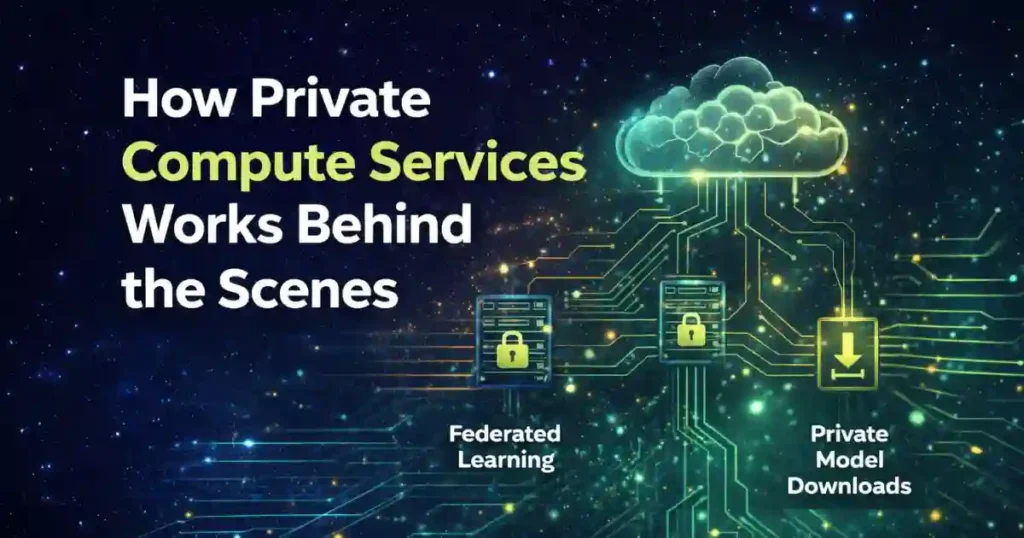
Since PCC cannot access the internet directly, Private Compute Services ensures features improve without exposing your identity.
Federated Learning Explained Simply
- Your phone trains AI models locally
- Only anonymous, aggregated updates are sent
- No raw user data is uploaded
Private Information Retrieval
This allows your phone to download new models without revealing what it is downloading.
This system is critical for features like Now Playing song database updates.
Android Private Compute Core Architecture (Simplified)
From an architectural perspective, PCC is built around three core principles:
- Isolation – Separate memory and processes
- No Network Access – Prevents data leaks
- Auditable Code – Open-source components
This architecture makes PCC one of the most privacy-focused AI implementations in consumer devices.
How to Use Android Private Compute Core Features on Samsung
Samsung devices running One UI (based on Android 12 and above) also support Private Compute Core.
However, feature availability may vary:
- Live Caption is available on most Samsung phones
- Smart Reply works system-wide
- Now Playing is limited compared to Pixel devices
Samsung integrates PCC with its own services but still follows Android’s core privacy model.
Also Read: How to Use Clipboard Access Alerts on Android for Better Privacy
How to Use Android Private Compute Core Features 2021 vs 2026
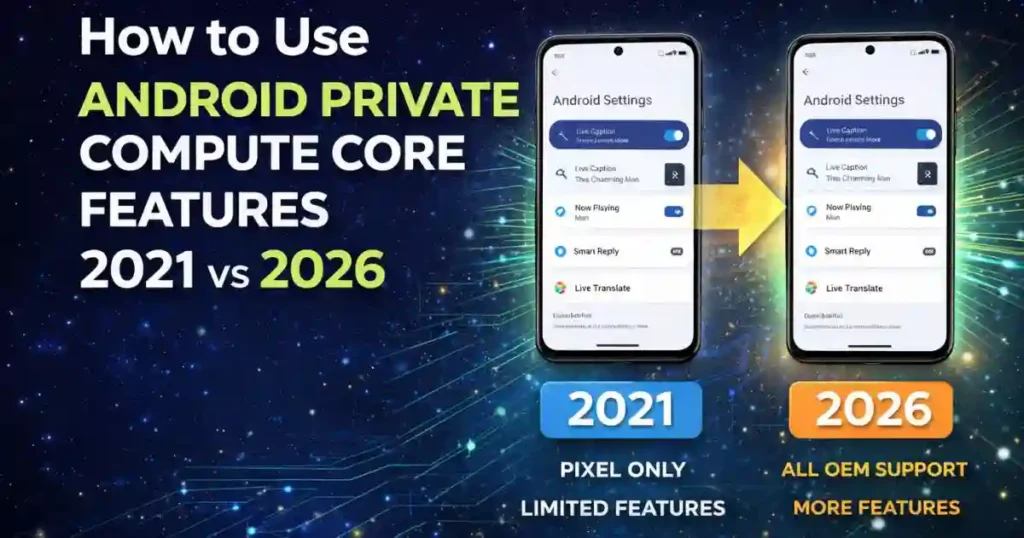
In 2021, PCC was new and limited mainly to Pixel devices.
By 2026:
- More OEMs support it
- More features rely on it
- Privacy controls are more transparent
- On-device AI performance is significantly better
PCC has moved from an experiment to a foundation.
Should I Uninstall Private Compute Services?
Short answer: No.
Private Compute Services is essential for:
- Secure model updates
- Federated learning
- Privacy-preserving AI improvements
Uninstalling or disabling it may break smart features and reduce system intelligence.
Is Private Compute Services App Safe?
Yes. Private Compute Services is:
- Developed by Google
- Open-source
- Designed with strict privacy boundaries
It does not collect personal data in a traditional sense.
Private Compute Services Using a Lot of Data: Should You Worry?
Occasional data usage is normal due to:
- Model updates
- Feature improvements
However, usage is typically minimal compared to cloud-based AI systems.
Private Compute Services Samsung Version Explained
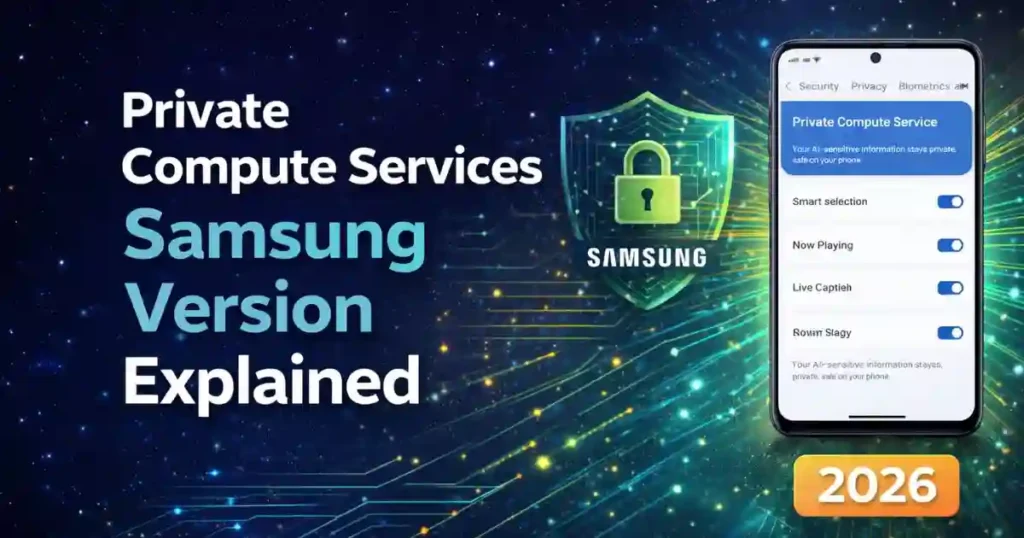
On Samsung phones, Private Compute Services may appear differently in settings but serves the same core purpose.
Samsung customizations sit on top of Android’s PCC architecture without bypassing its security.
Private Compute Services APK: Is It Safe to Download?
Manually downloading APKs is not recommended. Always update Private Compute Services via:
- Google Play Store
This ensures authenticity and security.
Advanced Section: Private Compute Core for Developers
Content Capture API
Used to securely fetch text for Smart Reply without exposing full app content.
FLAG_SECURE
Allows developers to prevent screen data from being accessed by PCC.
ML Kit and TensorFlow Lite
Recommended tools for building on-device AI aligned with PCC principles.
Why Android Private Compute Core Matters in 2026
With rising privacy awareness, regulations, and AI adoption, PCC represents the future of mobile intelligence.
It proves that:
- AI does not need cloud surveillance
- Privacy and convenience can coexist
- On-device processing is the next big shift
Final Thoughts
Understanding how to use Android Private Compute Core features helps you make informed decisions about privacy and functionality.
You get smarter features without sacrificing control. That balance is rare and valuable in today’s digital world.
FAQs: How to Use Android Private Compute Core Features
What is Android Private Compute Core used for?
It powers on-device AI features like Live Caption, Smart Reply, and Now Playing without sending data to the cloud.
Can I turn off Private Compute Core completely?
No, but you can control individual features and data access through privacy settings.
Does Private Compute Core work offline?
Yes, most PCC-powered features work without internet access.
Is Private Compute Core available on all Android phones?
It is available on Android 12+ devices, but feature availability depends on the manufacturer.
Disclaimer: This article is for informational and educational purposes only. Feature availability and settings may vary by device, Android version, and region. Always refer to official Android documentation or your device manufacturer for the latest updates.
Also Read: How to Turn On Android Anti Theft Reset Protection Properly in 2026

Raj Prajapati is a skilled content writer dedicated to creating clear, step-by-step guides on technology, Health, and everyday solutions. With a focus on user-friendly and SEO-optimized content, he simplifies complex topics, helping readers learn and solve problems effortlessly.