
How to Create New Gmail Account Professionally: Email remains one of the most essential elements of online identity — whether you are running a company, applying for jobs, starting a freelance career, or growing your digital presence. While anyone can create a Gmail account for free, creating it professionally is a completely different matter. A professional email address builds trust, reinforces branding, and leaves a powerful first impression.
Today, people judge credibility quickly. If you send a business proposal from coolboy456@gmail.com, it may not carry the same authority as john@yourcompany.com or firstname.lastname@gmail.com. And that’s the core difference between a regular email and a professional one: intent, presentation, standardization, and branding.
In this detailed guide, we explore everything you need “How to Create New Gmail Account Professionally” in 2025, whether you are a business owner, freelancer, student, job applicant, or corporate professional. We will explain two professional approaches:
- Option 1: Gmail via Google Workspace with your own domain — the most professional setup for businesses.
- Option 2: A free Gmail account designed with a professional appearance — ideal for freelancers or personal use.
You will also learn naming conventions, security essentials, signatures, best practices, and pro tips that most tutorials ignore.
Let’s get started.
Also Read: How to Stop Unwanted Notifications on Android: Step by Step Full Guide
Why a Professional Gmail Account Matters More Than Ever
The internet has transformed how trust is built. In business, credibility starts before a conversation even begins — it starts when someone first sees your email ID.
Some major benefits of a professional Gmail account include:
- Branding and identity: Every interaction reinforces your name or company name.
- Higher trust: Clients, employers, and partners respond more seriously to professional email IDs.
- Better inbox organization: Professional domains allow aliases such as support@, billing@, sales@.
- Higher deliverability: Emails from business domains are less likely to look like spam.
- Security and control: Google Workspace offers advanced security, admin control, and compliance tools.
This is why startups, freelancers, job seekers, and small businesses invest in professional Gmail accounts. The right email ID is not just a communication tool — it is a brand asset.
Option 1: How to Create New Gmail Account Professionally with Google Workspace
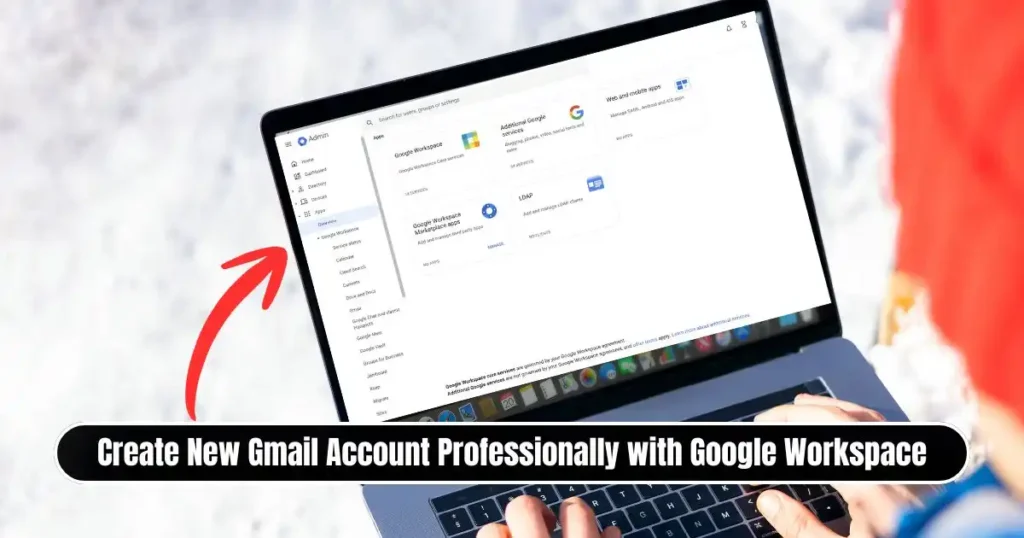
If your goal is maximum professionalism, the best approach is to create an email with your own domain, such as:
yourname@yourcompany.com
info@yourbrand.com
support@yourstudio.co
This setup uses Google Workspace, which is Google’s premium productivity suite that includes Gmail, Google Drive, Sheets, Docs, Calendar, Meet, and more — but with business features and branding.
Step-by-Step Guide
1. Sign up for Google Workspace
Visit the Google Workspace sign-up page and begin registration. Google offers a 14-day free trial, allowing you to fully explore email and features without immediate payment.
2. Enter business and domain details
You will be prompted to enter your business name and size. If you already own a domain, you can connect it. If you don’t, Google gives you the option to purchase a new domain instantly.
Domains commonly cost between ₹500–₹1500 per year, depending on the extension (.com, .co, .in, .org, etc.).
3. Create the administrator email
The administrator account is the primary login, such as:
admin@yourcompany.com
ceo@yourcompany.com
firstname@yourcompany.com
This ID has full control over users, billing, security settings, and domain management.
4. Verify your domain
Google requires confirmation of domain ownership. This involves copying a verification code into your domain’s DNS settings. It usually takes 5–10 minutes, and Google gives easy, step-by-step instructions.
5. Personalize and configure
Once verified, you can:
- Add multiple users
- Create group aliases (support@, hr@, billing@)
- Upload your company logo
- Activate 2FA security
- Integrate with CRM and marketing tools
Now your business has a scalable, secure, professional email ecosystem.
Why Google Workspace Is Worth It (Even for Small Teams)

Many small businesses think professional email is expensive — but not having one can be more costly.
Here’s what Google Workspace offers beyond regular Gmail:
| Feature | Regular Gmail | Google Workspace |
|---|---|---|
| Email domain | @gmail.com | @yourcompany.com |
| Team email aliases | No | Yes |
| Admin control | No | Yes |
| Centralized backup | No | Yes |
| Additional storage | Limited | Upgradeable |
| Security compliance | Basic | Enterprise-grade |
| Collaboration tools | Personal | Business optimized |
Even single-person companies benefit from professional branding. It positions you on the same level as established businesses from day one.
Option 2: Create a Free Gmail Account That Still Looks Professional

If you do not need a custom domain, or if you are a freelancer, student, or job applicant, you can still create a professional-looking @gmail.com account.
The trick is presentation. A free email address can look polished if structured properly.
Step-by-Step Guide
1. Sign out from existing Google accounts
Google sometimes defaults to old accounts, so begin clean.
2. Go to the account creation page
Visit accounts.google.com → Create account
Choose For personal use or For work/business depending on your purpose.
3. Use a professional username
This is the most important step. Follow formats like:
firstname.lastname@gmail.com
firstinitial.lastname@gmail.com
firstname.lastname.profession@gmail.com
firstname.company@gmail.com
Avoid:
- Nicknames
- Unnecessary numbers (john22901)
- Random characters (*, %, !, _)
- Gaming-style usernames
Your email should reflect maturity and credibility.
4. Create a strong password
A professional email must also be secure. Use a mix of uppercase letters, lowercase letters, numbers, and symbols — and avoid using personal dates (birthday, phone number).
5. Add recovery details
Add a recovery phone number + recovery email. This prevents permanent account loss and helps when signing in from new devices.
6. Accept terms and finalize setup
Once complete, your new professional Gmail account is activated.
Also Read: How to Create a Bootable USB for Windows Installation- Complete Guide 2025
Essential Add-Ons to Make the Email Appear Truly Professional
Once the account is created — free or workspace — presentation matters.
1. Add a professional signature
A business-style signature builds authority instantly. Include:
Your Full Name
Job Title | Company Name
Phone Number
Website
Social Links (LinkedIn preferred)
2. Use a professional profile photo
A clear formal photo increases trust and improves communication tone.
3. Enable two-factor authentication (2FA)
Security is part of professionalism. Activate 2FA via phone, Google Authenticator, or security key.
4. Use labels and filters
Keep inbox structured — separate invoices, leads, newsletters, contracts, and HR communication.
5. Maintain email etiquette
A professional email is not just the address — it is how you use it.
Pro Tips for a Professional Email Identity
| Tip | Impact |
|---|---|
| Maintain consistent naming across team | Strong brand recognition |
| Avoid replying from multiple personal IDs | Better accountability |
| Create aliases for departments | Easier workflow management |
| Use auto-replies when unavailable | Professional customer experience |
| Keep storage organized | Faster retrieval and productivity |
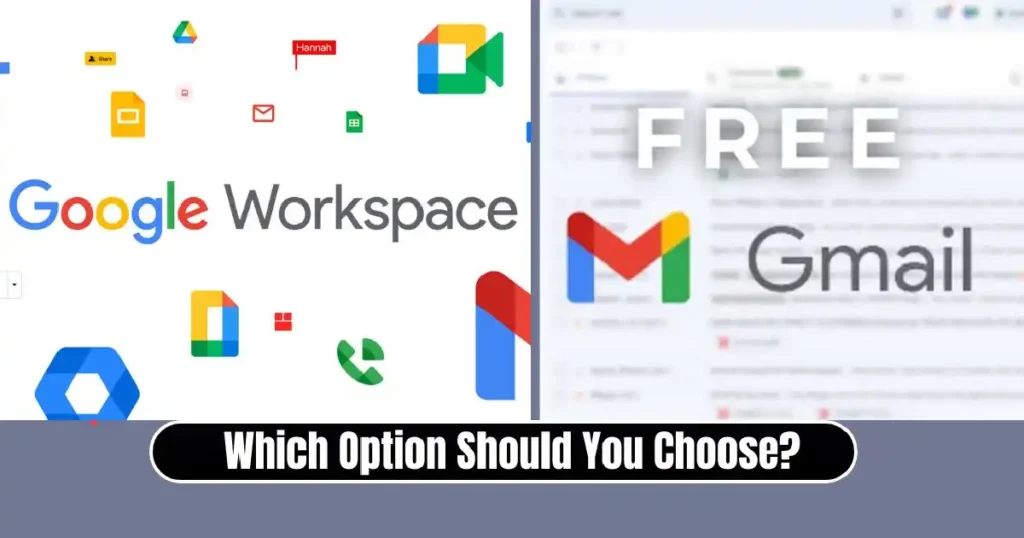
Which Option Should You Choose? (Quick Decision Guide)
| Requirement | Best Option |
|---|---|
| Running a business | Google Workspace |
| Hiring/freelancing | Workspace or Professional Gmail |
| Applying for jobs | Free Gmail with professional username |
| Building a portfolio | Either works |
| Corporate team email | Workspace only |
| Wanting maximum branding | Workspace |
If budget allows, Google Workspace is the strongest option.
If you are beginning or working individually, a well-structured professional Gmail is absolutely suitable.
Conclusion
Creating a professional Gmail account is not just a technical task — it is a business and personal branding strategy. Whether you choose a custom Google Workspace domain or a free Gmail account designed professionally, what truly matters is how you represent your identity online.
Email is often the first interaction people have with you. A polished, secure, thoughtfully structured account can make the difference between being ignored and being taken seriously.
In a world where digital impressions happen instantly, your email ID can speak before you even do.
FAQs on How to Create New Gmail Account Professionally
1. Is Google Workspace mandatory for a professional email?
No. You can still create a professional @gmail.com account by choosing a suitable username and adding professional details. However, Workspace offers better branding and control.
2. Can I convert a free Gmail account into a Google Workspace account later?
Yes. You can transition anytime with your domain without losing Gmail data.
3. Is Workspace useful for freelancers?
Yes. It enhances trust and can give a freelancer an authoritative business identity.
4. Can two people use the same mailbox?
Yes, using group aliases or shared inbox features in Google Workspace.
5. What is the ideal signature format for job seekers?
Your name, profession/job title, phone number, and LinkedIn link are enough.
Disclaimer: This article is for informational and educational purposes only. Google’s tools, features, pricing, and policies may change over time. Always refer to the official Google Workspace and Gmail documentation for the latest updates.
Also Read: How to Sync Chrome Bookmarks Across Devices – Full Step-by-Step Guide

Raj Prajapati is a skilled content writer dedicated to creating clear, step-by-step guides on technology, Health, and everyday solutions. With a focus on user-friendly and SEO-optimized content, he simplifies complex topics, helping readers learn and solve problems effortlessly.